
How to Resize Images for Online Forms and Applications
Learn how to resize images for online forms and applications without upload errors: adjust pixels, reduce file size, and prepare photos for forms today now.
RESIZE IMAGES
5/17/20261 min read
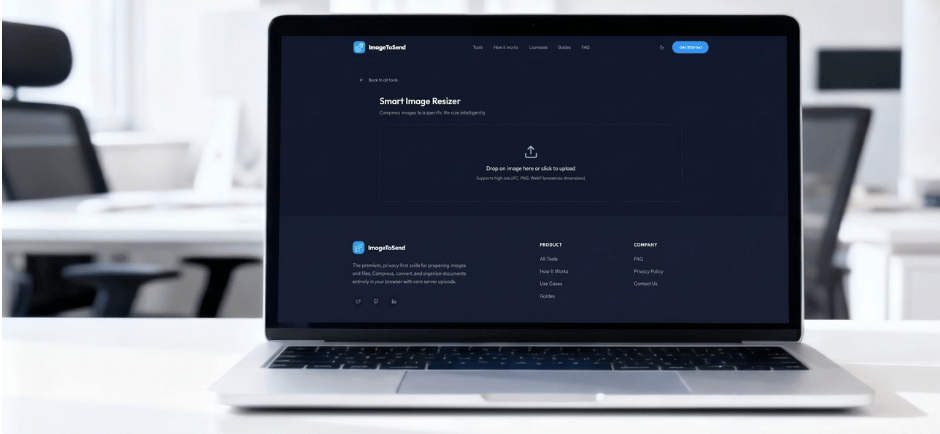

Online forms can be frustrating when your image looks fine but the website refuses to accept it. Maybe the photo is too large. Maybe the dimensions are wrong. Maybe the file format is not supported. This happens often with job applications, school portals, government forms, visa pages, ID photo uploads, and profile submissions.
The solution is simple: resize the image before you upload it.
Resizing an image means adjusting its dimensions, file size, or aspect ratio so it fits the requirements of the platform. Many tools let you upload an image, choose a new size, and download the resized version, which is the basic process shown by tools like Adobe Express and Canva.
Before resizing, always check the form instructions. Some platforms ask for exact pixels. For example, one enrollment guide asks users to resize a photo to 215 pixels wide by 281 pixels high, showing how specific these requirements can be.
Next, decide what you need to fix. If the image is too wide or too tall, change the dimensions. If the image is too heavy, reduce the file size. If the photo gets cropped badly, keep the correct aspect ratio. Resizing matters because images used online need to fit the page or platform without losing quality.
A good resized image should still look clear, sharp, and professional. This is especially important for passport photos, ID photos, applications, and official submissions. Avoid stretching faces, cutting important details, or making the photo blurry.
Before uploading, ask yourself: Is the image the right size? Is the file light enough? Does it still look clear? Is it in the correct format?
Need to resize an image quickly? Use ImageToSend’s free tools to resize images for online forms, applications, IDs, and uploads without confusion.
Use ImageToSend’s free tools to resize your images before uploading.
ImageToSend
Practical tools and guides to compress PDFs, resize images, and prepare ID and passport photos for online uploads.
Contact
© 2026 ImageToSend. All rights reserved.
Quick Links